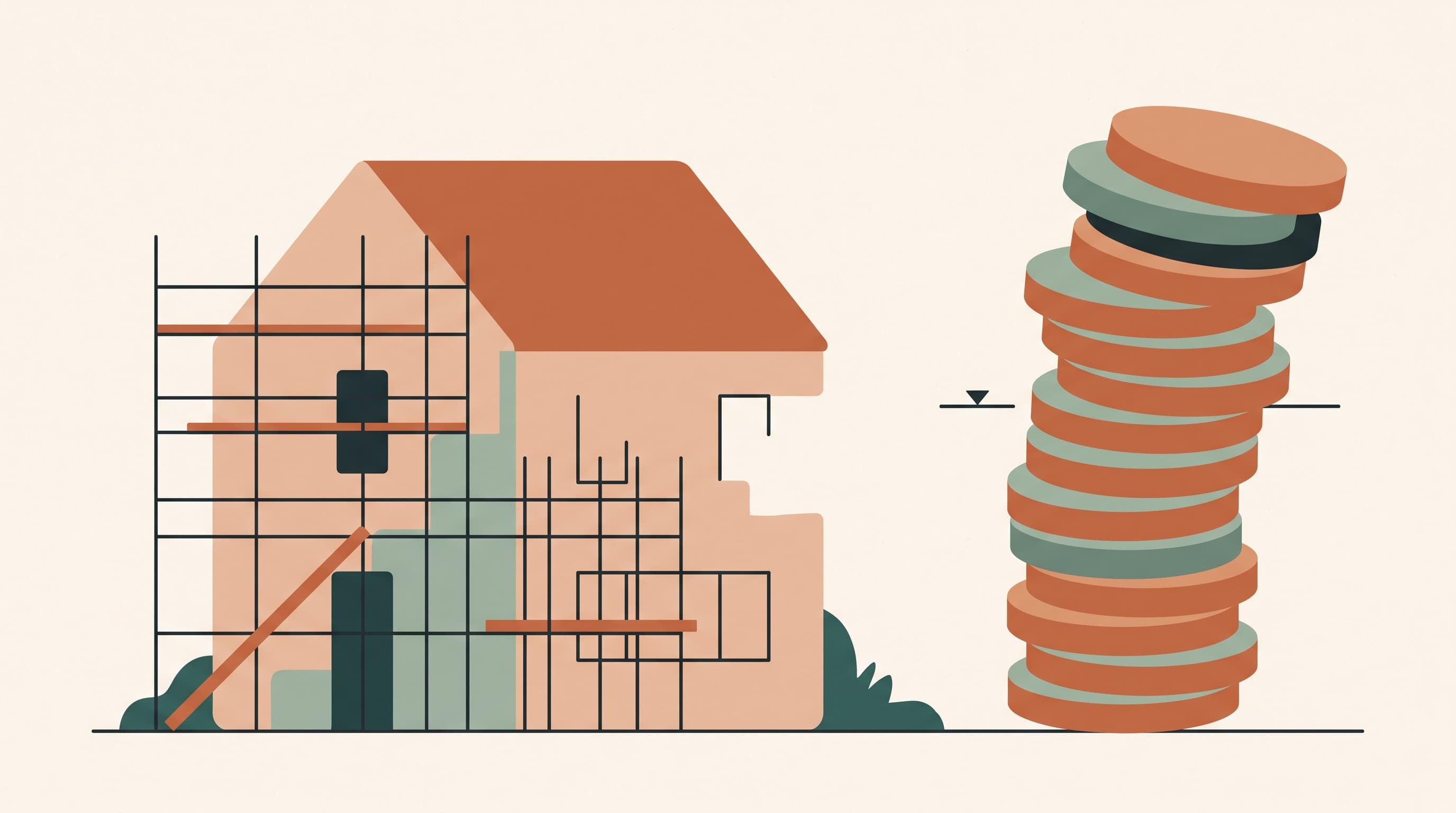
You are standing on the building site. The contractor suggests going for that more expensive window type after all and wants to know right away whether that works for you. The answer actually exists: your Excel file states exactly what you calculated for your windows and how much is left in that pot. Except that Excel file is at home, on your laptop. Because that is where you keep your administration, in between everything else. Not here, where you need the answer right now.
Anyone who builds or renovates quickly realises how important budgeting is. And the go-to tool is almost always a spreadsheet: Excel or Google Sheets. It feels logical and financial, as if the tool was made exactly for this. Until you hit its limits. In this article you will read where those limits are, how to actually keep a grip on your construction budget, and how a mobile tool can help.
Why your construction budget breaks down in Excel
First things first: Excel is not bad. For a first estimate or a quick comparison it is fine. The problem starts when you use a spreadsheet as the central system for a project that lasts months and largely takes place away from your desk. Three limits keep coming back.
Doing Excel properly takes more knowledge than you think
A construction budget that really works is more than a column of amounts: you need formulas that add up items, calculate remaining budgets and settle advance payments. Setting that up and keeping it error-free takes knowledge and time. And you are building that calculation tool for what is, for many people, the biggest expense of their life.
That is not a detail. Spreadsheet research across multiple sectors shows that roughly 88 to 90% of large spreadsheets contain at least one significant error, with an error rate of about 1.79% per cell. Those figures do not come from construction-specific research, but a construction budget is exactly that kind of large, complex spreadsheet. And such errors are silent: they never turn red anywhere, yet they flow through into your total. That is how the gap appears between "according to my Excel there is still room" and an account that turns out to be empty when the final finishing has to be paid. This is about your money and your house. You want it to be right and certain.
On your smartphone, a large spreadsheet is a lost cause
Excel exists on your phone too, but it was not designed as a mobile site tool. As soon as your sheet grows, it becomes cluttered on a small screen and adjusting an amount or checking a formula is a struggle. Everything is possible, but it takes enormous patience and time. So in practice you simply do not do it, and on site your phone remains mostly a camera.

Your administration waits behind your desk, and you are never there
You fill in a spreadsheet at your desk. Precisely the place you see least while building or renovating, because your evenings and weekends are spent on site. The result is predictable: the administration gets pushed aside and invoices and quotes pile up. The longer you wait, the heavier the job becomes and the less current the figures you base your decisions on.
Meanwhile, the most important moments of your project happen on the site itself. Photos end up in your gallery, agreements in WhatsApp, quotes in your mailbox, and the spreadsheet sits at home. Fragmented information, exactly when you need one clear answer: does this still fit my budget?
How to actually get a grip: four steps
You do not need a project office to solve this. What construction companies do with large platforms, you apply at the scale of one project with four habits.
Step 1: choose one central place
Agree that only one truth exists: one place where budget, quotes, invoices and documents live, and that you can open anywhere. Every copy next to it is a snapshot, not a source.

Step 2: track four amounts per budget item
Split your project into items (kitchen, roof, windows, bathroom) and ask four questions per item: what did I budget, what is already locked in through chosen quotes, what has already been invoiced, and what remains available? Especially that reserved amount is almost always forgotten, yet it is your earliest warning: a signed quote is money that has already been promised.
Four amounts per budget item
Example: € 12,000 is budgeted for the kitchen. € 3,500 has been invoiced and another € 6,500 is reserved through a signed quote that has not been invoiced yet. So € 10,000 is already locked in, leaving € 2,000 available. Anyone who only counts invoices thinks there is € 8,500 of room.
Step 3: keep quotes as a dossier, not as loose files
For each part of your build, keep all quotes together, with their versions listed one under the other and a short note on why you found something strong or weak. That way you see the negotiation story at a glance, and months later you still know why you did not choose that one supplier.
Step 4: process invoices in the lost moments
Process an invoice on the day it arrives: link it to the right budget item, note the invoice number and funding source, and keep the PDF with it. Anyone who can do that in small, lost moments never falls behind on their own project again.
How a mobile tool makes this easier
In theory you can do this with folders and discipline. In practice, the construction sector itself is moving to mobile solutions, because the manual work proves too error-prone. A case study by Docu Tools, a European app for construction documentation, reports more than 20% less documentation time, and case studies by LetsBuild report up to 40% time savings on administration. These are vendor figures from a professional context, not a promise for your project, but the direction is clear: making information central and available on mobile saves time and reduces the risk of errors.
Those professional platforms, however, are built for companies with many projects and teams; as a private builder you want the same logic tailored to one family and one project. If you would rather not keep this in a spreadsheet, you can bring it together in one place. We do that with PiggyPlanr, a budgeting tool with a dedicated build mode. It works equally well in the browser of your smartphone and on your computer: large and clear at your desk, or quickly adding something during your coffee break, your lunch or on the train. You have both worlds available:
- Per budget item you see budgeted, reserved, spent and available, with a bar that turns red as soon as an item goes over budget, on site too.
- Select a quote and that amount is reserved immediately. If it does not fit the item, you see that before a single invoice arrives.
- You keep quotes per part of your build, with a timeline, the versions one under the other, and pros and cons per supplier.
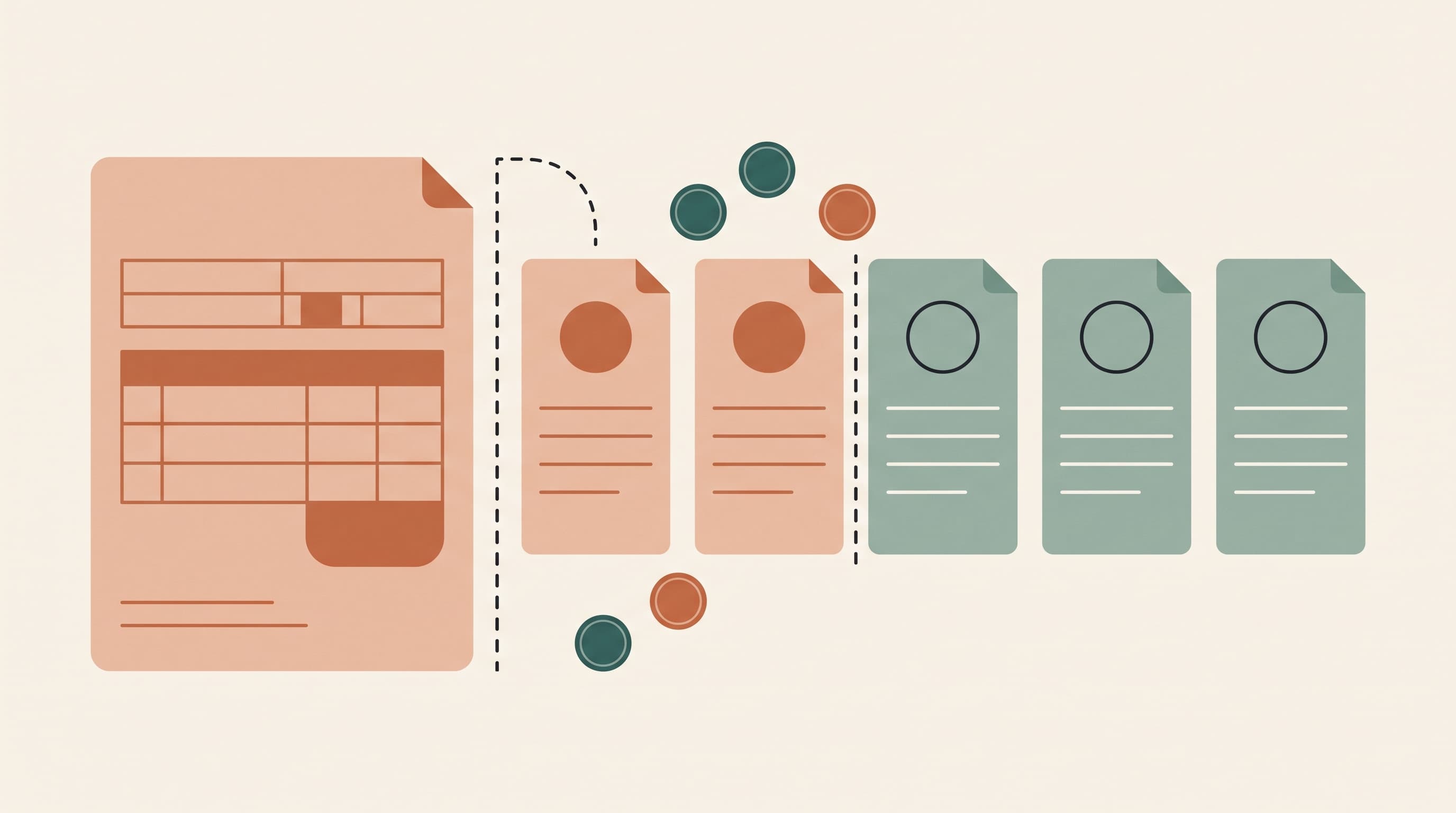
- You convert a chosen quote into an invoice, in full or as a partial amount for advance payments. The amount then moves from reserved to spent, without double counting or double typing.
- You find invoices and documents back by searching on invoice number and filtering by supplier, useful when the contractor calls about invoice 2025038.
You set up your budget items yourself once, and from then on your budget simply follows along. Building or checking formulas is no longer needed.
What changes after three, six and twelve months
After three months your budget items, quotes and first invoices are in one place. On site you answer "does this still fit?" in a few seconds instead of "I will check at home".
After six months you see the value of the reserved amount. Quotes for the kitchen and windows are locked in, and you know exactly how much is still available for the bathroom before you start negotiating. Surprises become warnings that arrive on time.
After twelve months you may be at the end of your project, and then the overview pays off twice: you see exactly which leftovers remain per item for the final finishing and so you use your full budget to the maximum. At the same time, your construction file is simply already in order: all invoices bundled, all plans, inspections, manuals and documents together in one place. Whatever gets asked, from a warranty issue to a question from a public authority about VAT paid: you filter, you search and you have the answer at hand.
Conclusion: take your budget off your laptop and bring it with you
Excel is a strong spreadsheet, but not a system for a project that takes place on a building site. Setting it up well takes knowledge and time, on a smartphone a large spreadsheet is barely workable, and the administration behind your desk quickly falls behind during a build. With one central place, four amounts per budget item, quotes as a dossier and an invoice routine in lost moments, you do get a grip. You can start with that today.
Want to make it easy on yourself? Try PiggyPlanr for free: 14 days, no payment details. That way you can find out, without obligation, whether it makes your construction project clearer.
Sources
- The Limitations of Excel Spreadsheets in Construction Management, Evidence-Based Insights (LinkedIn, 2023): error rates in large spreadsheets.
- Varicon, The Limitations of Excel for Civil Construction Contractors (2022): error rate per cell.
- RIB Software, Excel problems in construction cost management (whitepaper): limits of Excel as an operational system for construction.
- Daffodil Software, Docu Tools case study: more than 20% less documentation time.
- LetsBuild / Aproplan, case studies: up to 40% time savings on administration.
Frequently asked questions
Is Excel useless for a construction project then?
Not at all. For a first estimate or a quick comparison, a spreadsheet remains useful. It only becomes a risk as the central, daily system for a project full of quotes, invoices and decisions on the building site.
How do I prevent my figures from lagging behind reality?
By processing your administration in small pieces at the moment itself, in a place you can open anywhere. Anyone who saves everything up for one big administration evening decides on outdated figures for weeks.
Do I need a separate app on my phone?
No. PiggyPlanr simply works in the browser of your smartphone and of your computer, with the same data on both.