You want an overview of your money. Not seeing afterwards where it went, but knowing in advance that the fixed costs are covered and how much is still free to spend. Many budget apps promise that overview, on one condition: you connect your bank account.
And that is exactly where many people drop out. Does an app really need to look inside your account to help you budget?
No. Budgeting without a bank connection is a fully fledged approach, and thanks to smart tools it takes far less work than it used to. In this article you will learn what a bank connection actually involves, why many people deliberately avoid it, and how a simple routine lets you keep your household budget without sharing your bank data. At the bottom you will find a way to solve this with a tool that requires very little typing.
What does budgeting without a bank connection mean?
Budgeting without a bank connection means keeping a digital household ledger without an app having permanent, automatic access to your bank account. In practice there are three ways of working: you enter transactions yourself, you import them periodically, or you let AI image recognition read your statements or receipts.
The alternative is the bank connection. In Europe this runs through PSD2, the European directive for payment services, better known as open banking. After your explicit consent, an app then automatically receives your transactions.
What does a budget app see through a bank connection?
A PSD2 connection for budget apps is regulated and read-only. The app sees your transaction history, your balance and your account details, but never your bank password. You log in with your own bank, the app receives a read token and cannot make payments with it. That consent also expires automatically and has to be reconfirmed periodically.
Does that make a bank connection unsafe?
That would be putting it too simply. The European approach is strictly regulated, with mandatory strong customer authentication and supervision of the parties that get access. Still, the fact remains that your transaction history ends up with an external party, and often with an underlying technical provider as well.
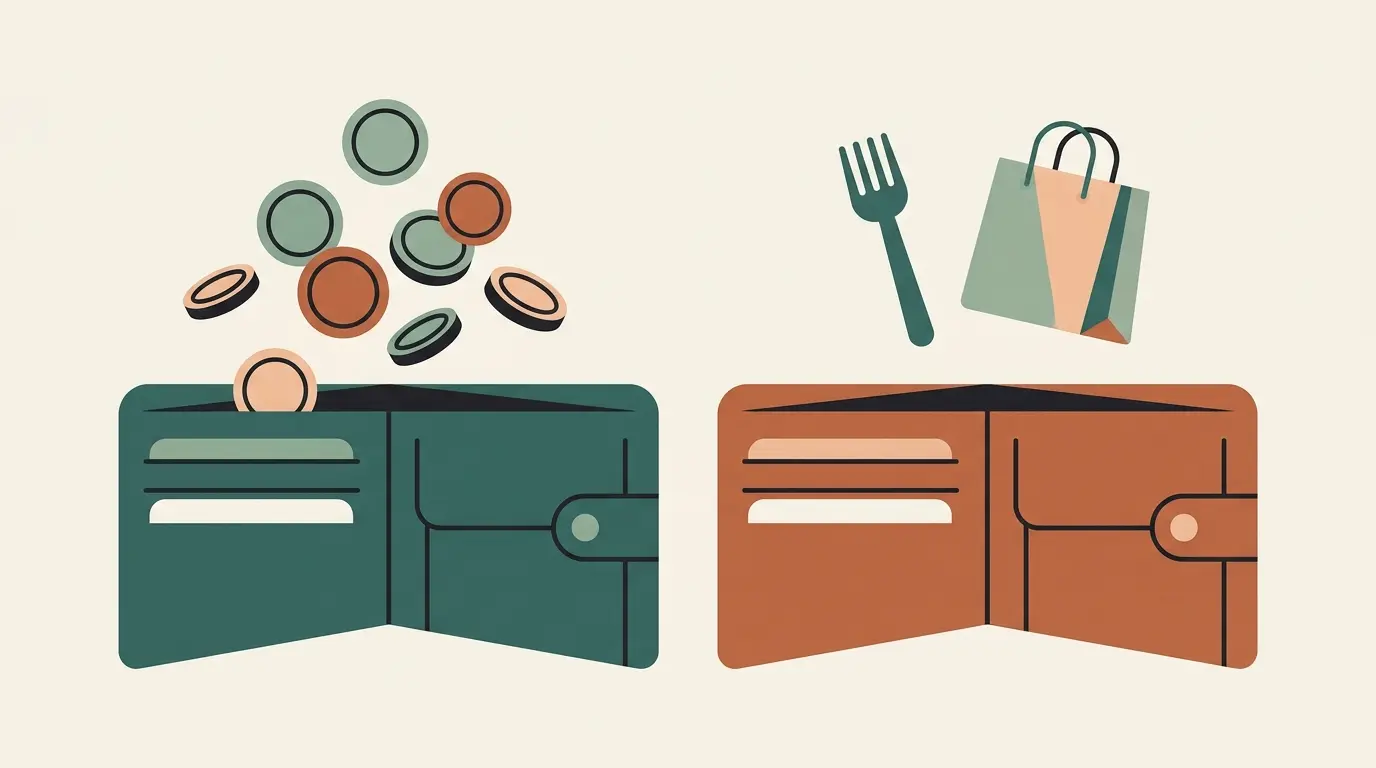
With a bank connection
Continuous access, also in the background
Without a bank connection
One photo or screenshot, you decide what you share · No connection to your bank
How sensitive this is was proven by the American data aggregator Plaid. In class action lawsuits the company was accused of collecting bank logins and years of transaction history without users being aware of it, and reached a 58 million dollar settlement in 2021, including obligations around data minimisation and transparency. An important nuance: that American aggregator practice differs legally and technically from the regulated PSD2 connections in the EU. Above all, the case illustrates how valuable and vulnerable financial data becomes once you share it.
Meanwhile the numbers show that most Europeans do not take that step. Online banking is well established: over 67% of EU residents used it in 2024. Open banking itself is used far less: in the United Kingdom, a front runner, it involved around 13% of digitally active consumers at the start of 2024.
For Europe as a whole, estimates range from 5 to 7% to around 25%, depending on how you define "user". If you prefer not to connect your account, you are not the exception but rather the rule.
How to budget without a bank connection in four steps
The classic objection against working without a connection is the manual work. With a good routine it is quite manageable, and registering things yourself has a surprising advantage: every entry is a brief moment of reflection in which you consciously look at your expense.
Step 1: divide your income into pots up front
Do not work with categories after the fact, but reserve your income in advance: rent or mortgage, energy, groceries, car, savings and a pot for fun things. That way you already know at the start of the month which part of your balance is spoken for and what you can spend freely.
Step 2: pick a fixed entry moment
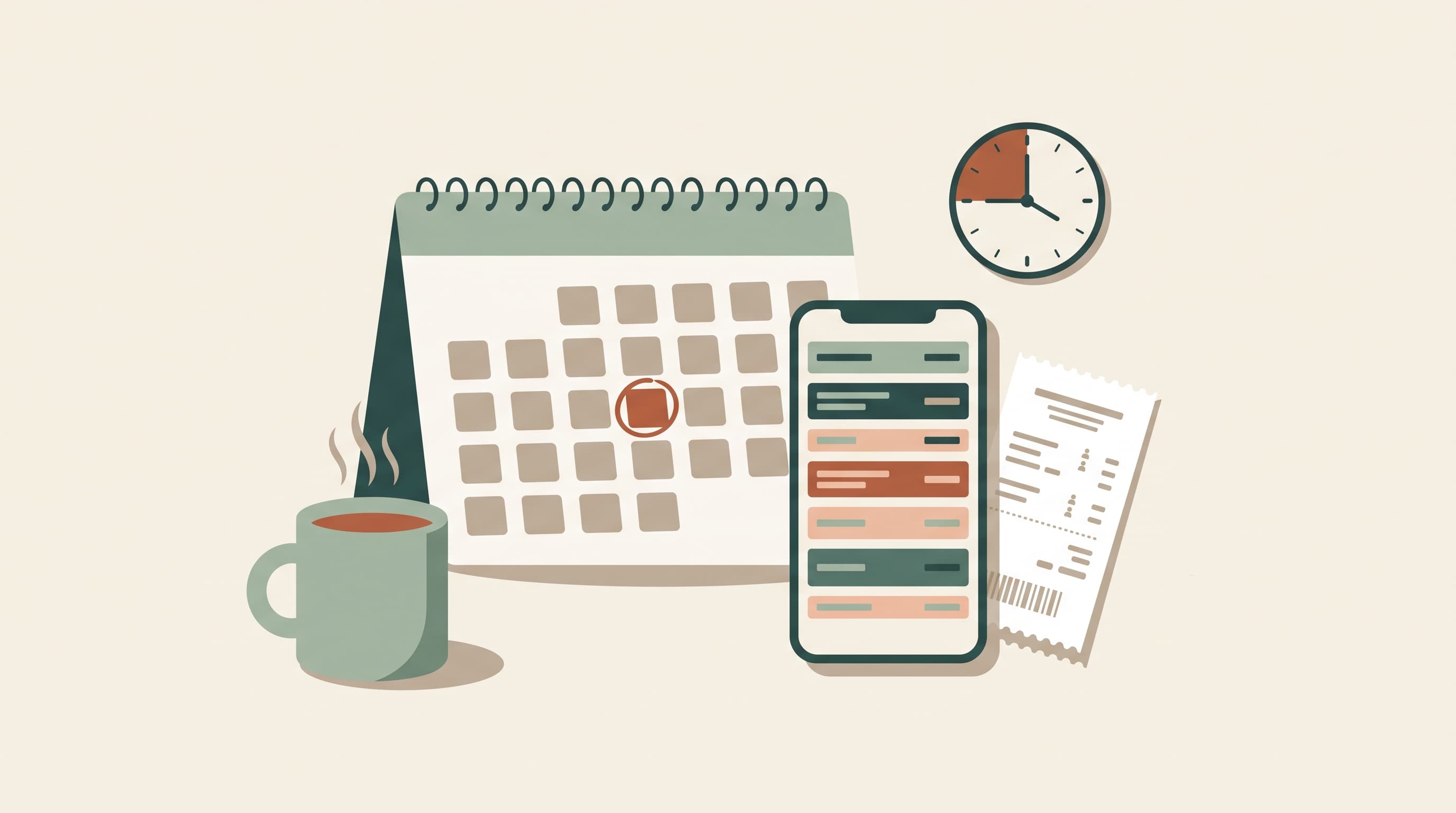
Plan one fixed fifteen-minute moment per week, for example Sunday evening. You go through your banking app, register that week's expenses and immediately see which pots are under pressure. In practice a weekly rhythm often works better than a monthly one, because you can adjust sooner.
Step 3: let smart tools limit the typing
Modern apps without a bank connection limit the manual work with fast entry flows, bulk entry and AI recognition of receipts or screenshots of your statements. You keep control over what ends up in your budget, the technology does the retyping.
Step 4: judge your app's privacy critically
"Privacy-first" is quickly said. So use this checklist before choosing an app:
- Access: does the app ask for access to your bank account or for your bank login?
- Storage: where is your data kept and who can reach it?
- Business model: what does the provider earn from it, especially if the app is free?
- Exit option: can you fully erase your data and your account?
- Security: is there two-factor authentication, for example?
A provider that answers these questions clearly deserves your trust more than a provider with nothing but nice slogans.
How PiggyPlanr combines privacy and convenience
If you would rather not keep this in a spreadsheet, a tool can make the process a lot easier. That is why we built PiggyPlanr, a budget app that deliberately works without a bank connection. You never have to give PiggyPlanr access to your bank account, and you sacrifice no convenience for it: processing stays fast and simple, without the manual work you know from Excel.
The app follows exactly the approach above. You divide your income up front into budget envelopes, each with its own running balance, and with one click per month the app books your salary and all your budgeted amounts into the right pots. You enter expenses one by one or in bulk, up to 100 at a time.
Even entering your expenses does not have to happen by hand, despite there being no bank connection. That is what the AI import is for: you upload a screenshot of your bank statement or a photo of your receipt, and the AI reads out the amount, date and merchant. You check and confirm, because it remains a suggestion.
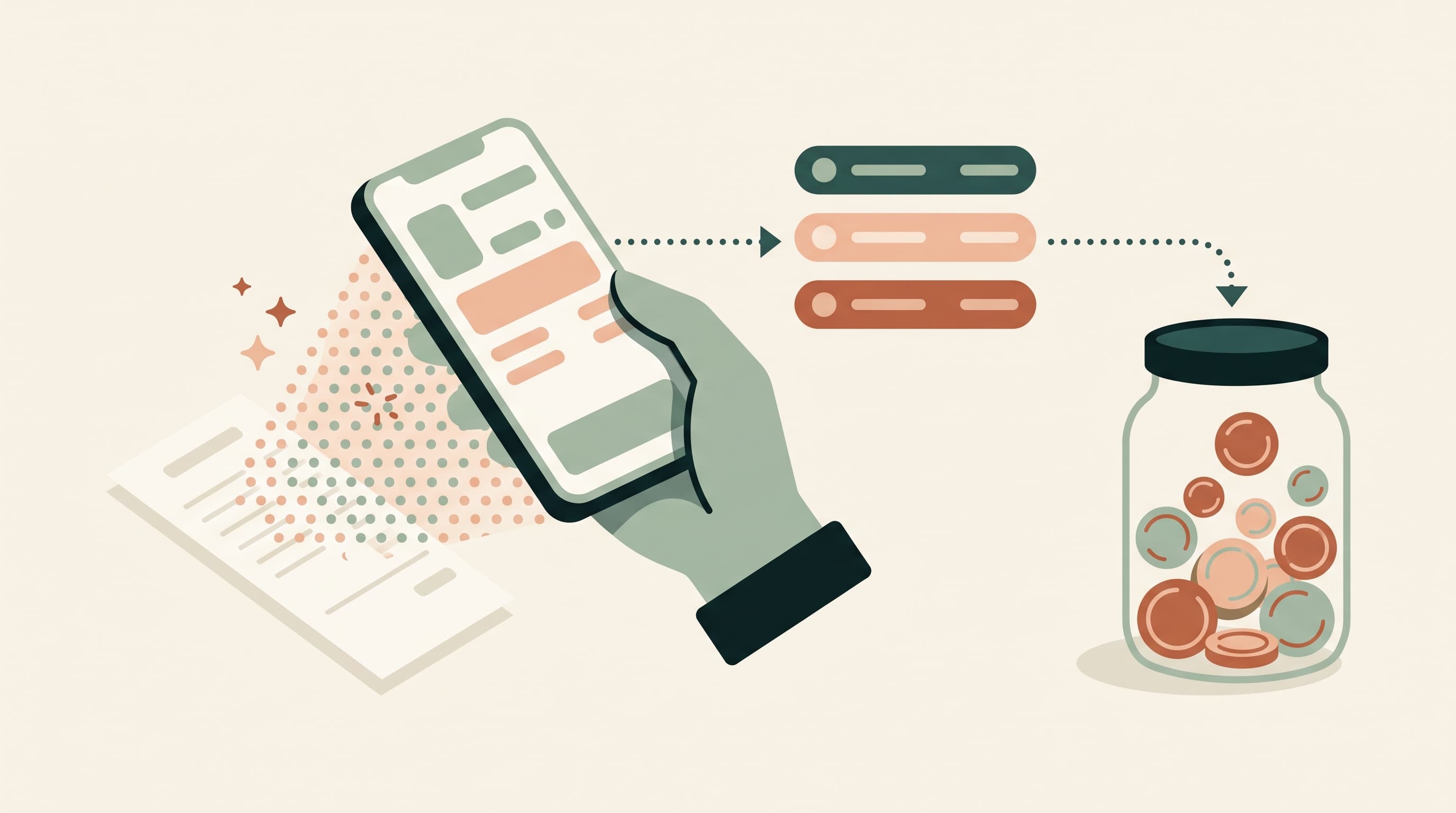
The nice part is that this AI genuinely thinks along. It recognises, for example, that a merchant is a petrol station and immediately suggests your fuel envelope: Shell last time, Esso this time, for the AI both are simply fuel. And the more often you use the import, the better it learns to recognise your merchants and habits.
A classic bank connection usually works purely on exact recognition: a merchant that was linked before gets the same envelope, but every new name has to be assigned by you first. There is usually no real interpretation involved. The AI import is therefore not only the more privacy-friendly route, but often simply the smarter one.
Is that AI import safe?
Yes. PiggyPlanr does not store your images anywhere: they are processed once to read out the transactions, and that is all. So no archive of your bank statements or receipts is ever created.
What do you share then? At most your IBAN or card number, if it happens to appear on the image. Such a number is not a secret like a password, PIN or CVC code: you share it with every transfer and it appears on almost every invoice.
Sensitive data such as your bank login, password or PIN is something PiggyPlanr will never ask for, simply because it is not needed for anything. At no point do you connect to your bank, so you never share codes that could give someone access to your account.
Want to experience such an import yourself? Start the free trial and you immediately get two AI imports to try it out. Every paid subscription then includes a monthly processing credit, good for quite a few imports per month, certainly with screenshots of your statements.
And the checklist from step 4? Feel free to hold PiggyPlanr against it: only essential cookies and no tracking, a subscription as the business model instead of your data, two-factor authentication if you want it, and at any moment the option to erase your transactions, all your data or your entire account yourself.
What changes after three, six and twelve months?
After three months you know your spending pattern and your pots become more and more accurate. By then the weekly entry has become a fifteen-minute habit.
After six months the surprises disappear: annual costs such as insurance or school invoices are already reserved by the time they come around. And after twelve months you notice the difference mostly in your head: you save structurally and you make money decisions based on your own numbers, without ever having shared your bank data.
Conclusion: privacy and convenience are not mutually exclusive
Budgeting without a bank connection is not a step backwards, but a conscious choice for control over your financial data. A PSD2 connection is regulated and read-only, but it always means your transaction history ends up with external parties. If you would rather avoid that, pots, a weekly routine and smart tools such as AI import get you to the same overview. You now have everything you need to start today.
Want to put it into practice right away? Try PiggyPlanr for free: 14 days, no credit card or payment details.
Sources
- Statista. "EU: online banking penetration 2010-2024." 3 January 2025. https://www.statista.com/statistics/1310965/online-banking-penetration-in-the-european-union/
- Open Banking Limited (UK). "Latest Impact Report 6 shows strong growth and the power of payments." 26 January 2026. https://www.openbanking.org.uk/insights/latest-impact-report-shows-strong-growth-and-the-power-of-payments/
- Sifted. "The state of open banking in Europe, in 4 charts." https://sifted.eu/articles/state-europe-open-banking-uk-fintech
- Enable Banking. "The Evolution of Open Banking in Europe." 22 May 2025. https://enablebanking.com/blog/2025/05/22/evolution-of-open-banking-in-europe
- Reuters. "Fintech firm Plaid agrees to $58 mln deal to end privacy case." 6 August 2021. https://www.reuters.com/legal/litigation/fintech-firm-plaid-agrees-58-mln-deal-end-privacy-case-2021-08-06/
- FluxForce. "PSD2 Explained: Requirements, Scope & Penalties." 28 May 2026. https://www.fluxforce.ai/regulations/eu-psd2
Frequently asked questions
Can I budget without linking my bank account?
Yes. You then keep a digital household ledger without an app having permanent, automatic access to your account. In practice there are three ways of working: you enter transactions yourself, you import them periodically, or you let AI image recognition read your statements or receipts.
What does a budget app see through a PSD2 bank connection?
A PSD2 connection is regulated and read-only: the app sees your transaction history, your balance and your account details, but never your bank password. It cannot make payments, and the consent expires automatically and has to be reconfirmed periodically. Your transaction history does end up with an external party though, and often with an underlying technical provider as well.
Does PiggyPlanr ask for my bank login details or access to my account?
No. PiggyPlanr deliberately works without a bank connection and will never ask for your bank login, password or PIN, simply because they are not needed for anything. At no point do you connect to your bank, so you never share codes that could give someone access to your account.
Are my uploaded images stored?
No. Images you provide through the AI import are processed once to read out the transactions and are not stored afterwards. So no archive of your bank statements or receipts is ever created. At most your IBAN or card number happens to appear on the image, and that is not a secret like a password or PIN.
How much time does budgeting without a bank connection take?
With a good routine, about fifteen minutes per week: you go through your banking app and register that week's expenses. Smart tools such as bulk entry and AI recognition of receipts or screenshots of your statements limit the typing even further.
Can I fully delete my data and my account?
Yes. In PiggyPlanr you can erase your transactions, all your data or your entire account yourself at any time. Check this with other apps too: a clear exit option is part of a privacy-friendly approach.